Product
The tools behind your church’s weekly admin.
Keep people records, serving schedules and everyday church tasks together. Start with the parts you need, then add more when your team is ready.
Jump to a feature
People
People and households
Keep the people your church knows in one searchable directory.
- Newcomer and member records, with a status label — newcomer, member, leader, staff.
- Household relationships, so a family is one record group, not several unrelated ones.
- Notes attributed to whoever wrote them, and tags for anything else worth flagging.
- Spreadsheet import from Excel or CSV, previewed row by row before anything saves.
- Archive without deleting, and CSV export throughout.
Status labels describe a person’s relationship with your church. Access is controlled separately by their assigned role — see the access matrix.
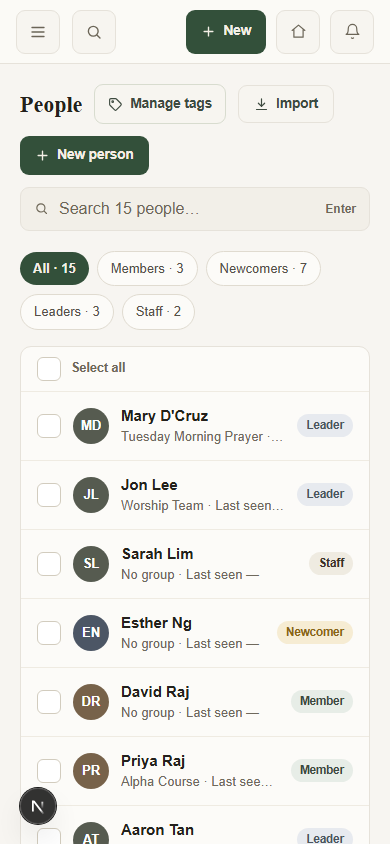
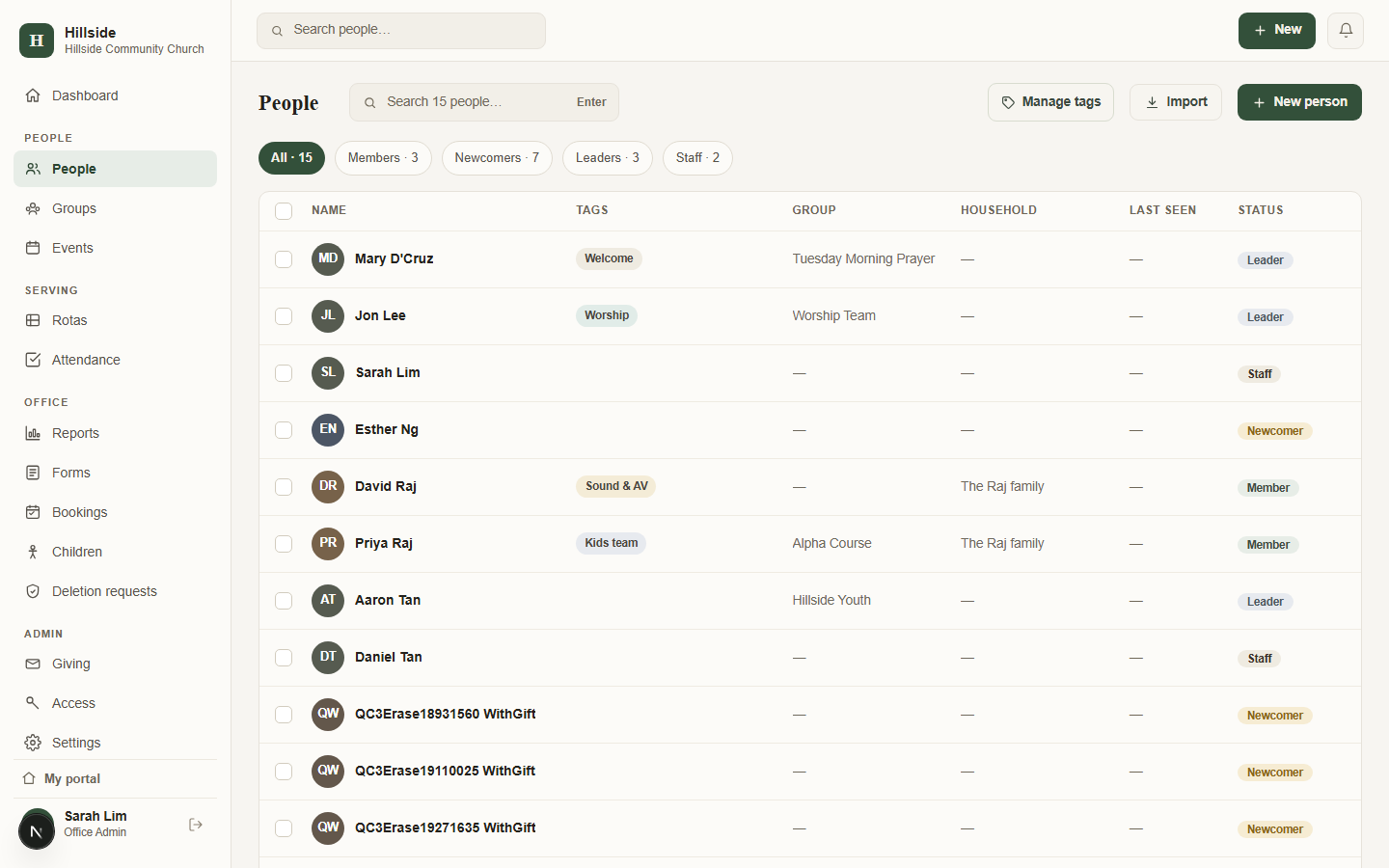
People records in the office directory, with fictional sample data.
Serving
Serving schedules and replies
STEP 1
Start from an existing rota.
STEP 2
Fill positions around declared availability.
STEP 3
Publish dates by email.
STEP 4
See replies and remaining gaps.
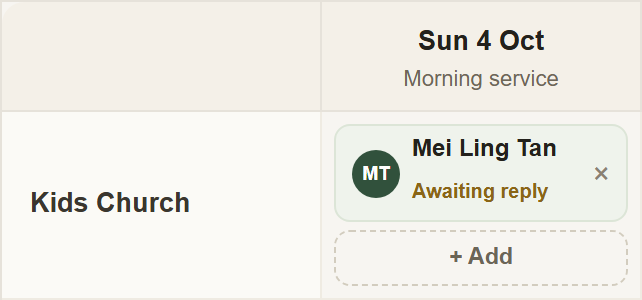
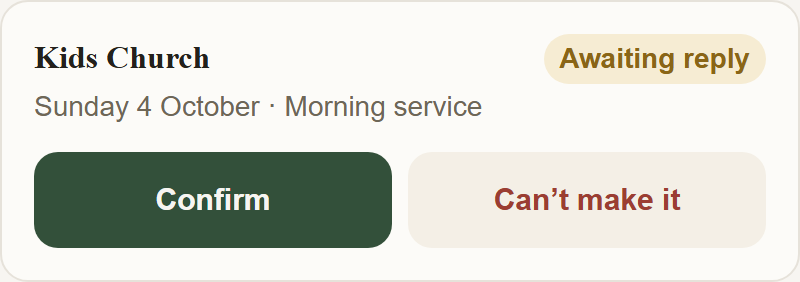
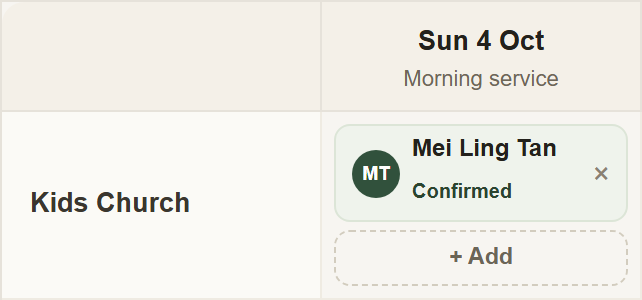
ChapelHQ rota and member views, captured with fictional sample data.
Notification detail
- An email when a rota is published, and a reminder five days before the Sunday.
- Push notifications, including on iPhone once the portal is on the home screen.
- Replies go to your church’s own contact address, not to ChapelHQ.
Children
Children’s check-in and collection
- The guardians linked to a child form the authorised pickup list.
- Print matching child and guardian tags. Each carries the same pickup code and shows any allergy in red.
- At collection, staff check the code and the authorised list.
- Recorded exceptions: if a child is released to someone outside the list, the record includes who collected them, why and the name given for the release.
- Staff running check-in see allergy alerts; only church administrators can view date of birth and detailed medical notes.
- If the tag code cannot be used, staff must name the collector and record a reason. Releasing to someone outside the guardian list is marked separately in the log.
- Check your setup: tags print through the browser. We have not published a list of tested printers or label stock, so confirm your equipment during setup.
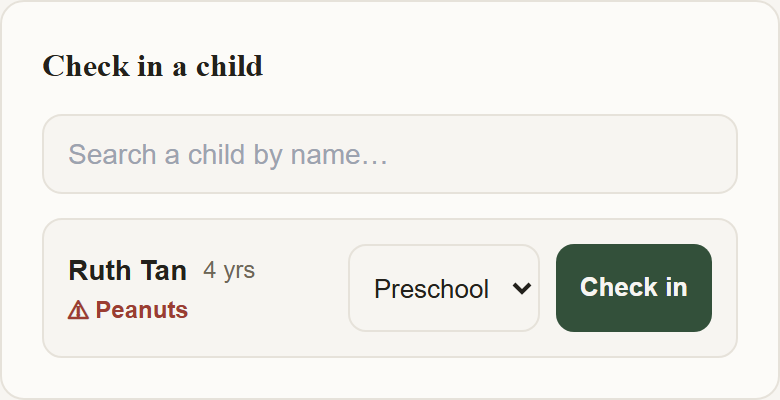
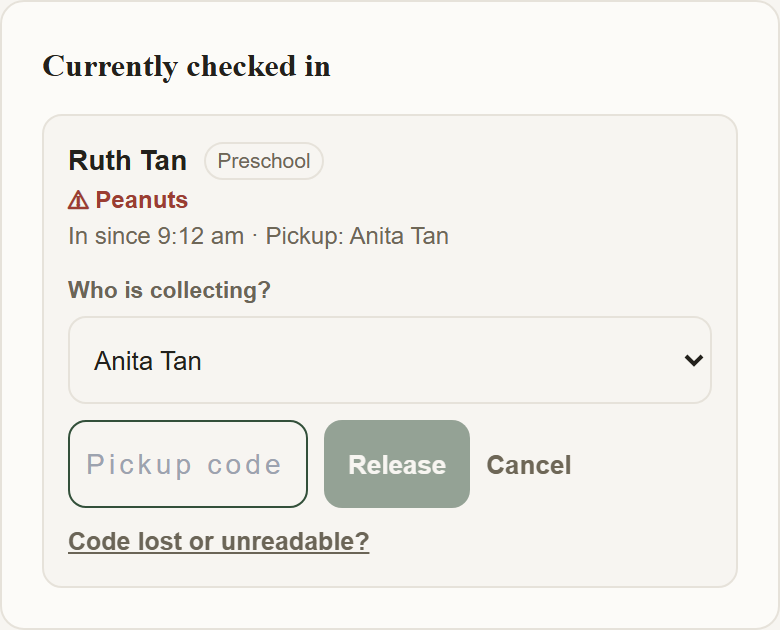
Current ChapelHQ screens with fictional sample data. Select an image to view it larger.
CHILD · STAYS WITH CHILD
Ruth Tan
Preschool · Sun, 4 Oct
⚠ Peanuts
Pickup code
624432
Illustration of the printed child tag.
Attendance & groups
Attendance and groups
Attendance
- Record attendance separately by service or group.
- Review trends over time.
- Export records.
Groups
- Organise small groups, courses and ministry teams.
- Members request to join.
- The office manages membership approvals.
- Group leaders take their group’s register.
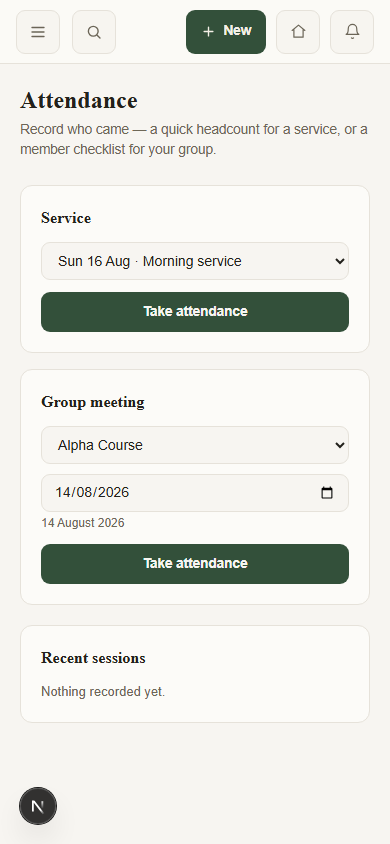
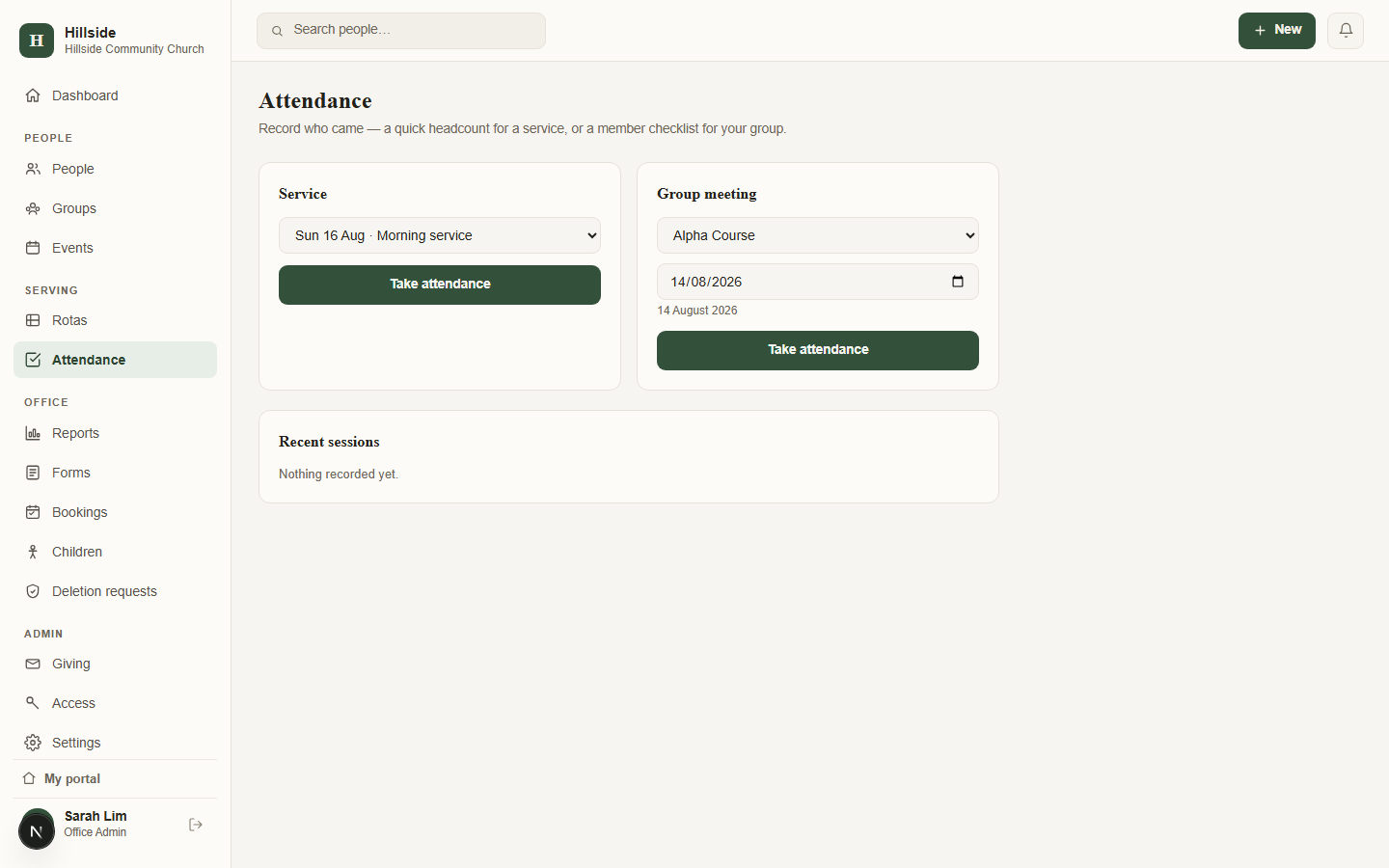
Attendance sessions in the office view.
Events, rooms & forms
Events, rooms and forms
Events
Sign-ups, guest numbers, capacity and waitlists.
Rooms and equipment
Review requests and avoid double-booking rooms or equipment.
Forms
Connect cards, surveys and sign-up forms, one link to share.
Giving & reports
Giving records and reports
Keep a record of gifts your church has already received.
Giving
- Gifts by fund and method.
- Bulk import of giving records from Excel.
- Member statements, printed or downloaded.
- Church administrators can access the church’s giving records.
- Members can view their own giving history.
- Staff accounts cannot access giving records.
- ChapelHQ does not collect donations or process payments. No cards, no FPX, no DuitNow integration.
Reports
- Attendance trends, giving summaries, people counts.
- CSV export throughout.
- Exports of the people directory and the giving ledger are written to an export log — see audit records.
Member access
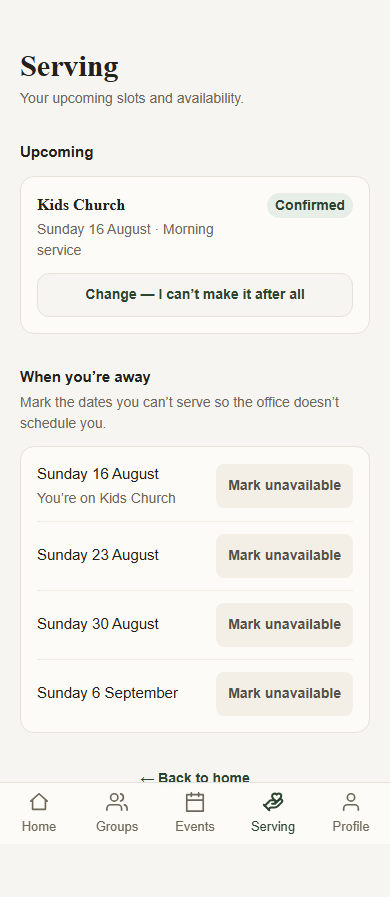
Members can respond from their phones.
- Invite-only — nobody signs themselves up; the office adds them.
- Passwordless, email-link sign-in. Nothing to forget or reuse.
- Serving replies and marking Sundays unavailable.
- Relevant event sign-ups and their own personal record.
- Optional home-screen installation on a phone — not an app-store app.
Check the fit before you switch.
- No donation payment processing — giving is a record of gifts received elsewhere.
- No consolidated reporting across a multi-site church network.
- Account setup is assisted, not self-serve — there is no sign-up form.
- ChapelHQ is currently in pilot, with churches set up individually.
- No SMS. Notifications are by email, and push once the portal is on a home screen.
- The office interface is currently available in English only.
- A team coordinator’s rota access is not yet narrowed to one team.
- Attendance and children’s-register exports are not yet written to the export log.
- No third-party integrations.
- A tested printer and label-stock compatibility list is not yet published — confirm your equipment during setup.
For access and audit-log detail, see Security & data.
See the parts your church would use.
Tell us what you need help with, and we’ll walk you through the relevant tools.